
SkinScanner
Extension Installed
Back to Home
This guide will walk you through everything you need to know to find
YOUR DREAM CS2
skin across dozens of marketplaces in seconds.
First things first: For the best experience, we recommend pinning the extension to your browser's tool bar. Watch the animation to see how!
This makes SkinScanner easy to access at any time.
Follow these simple steps to get started
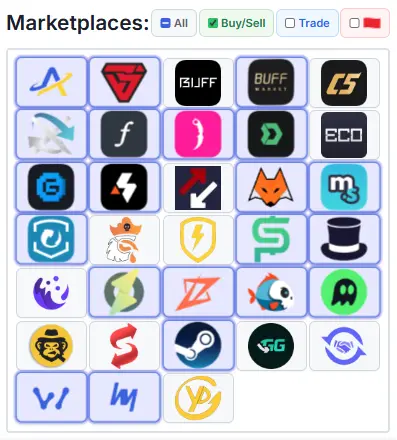
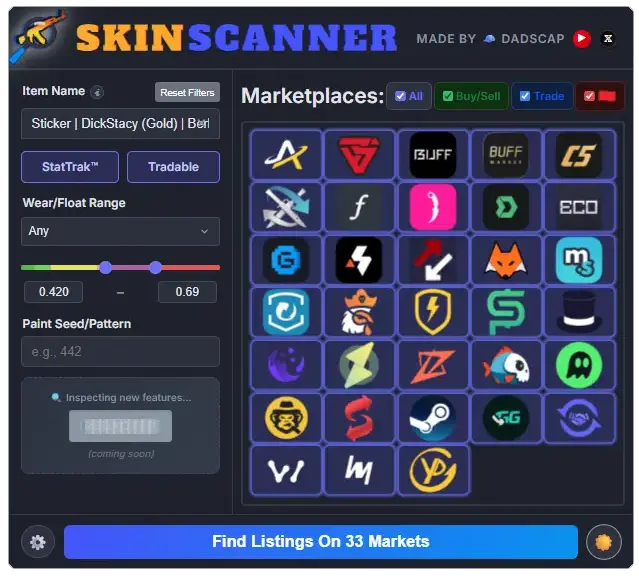
Standard marketplaces with buying/selling functionalities.
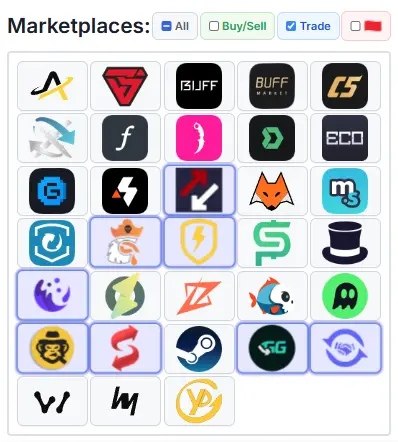
Marketplaces focused on item-for-item trading.
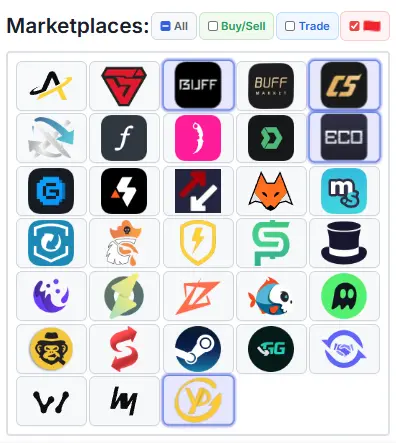
China-based marketplaces (useful for price-checking).

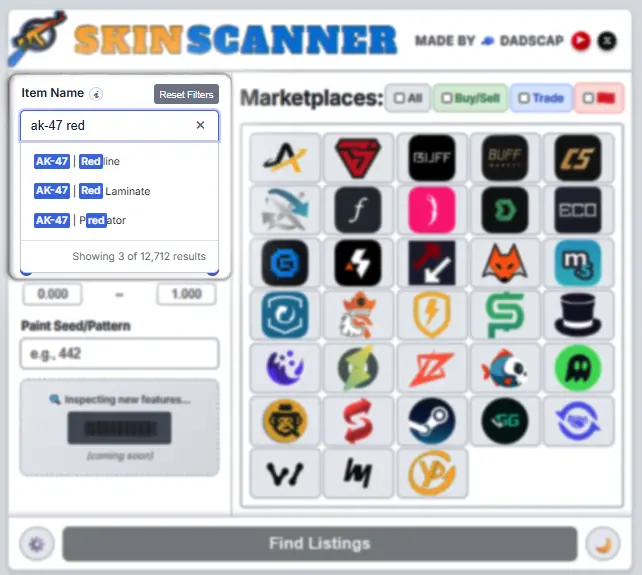
Need something specific? Use these powerful filters to narrow your search.
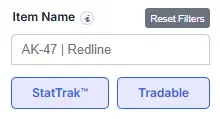
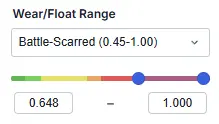
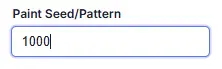
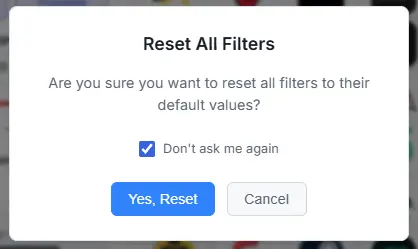
Need to start over? Just click the "Reset Filters" button to clear all your selections instantly.
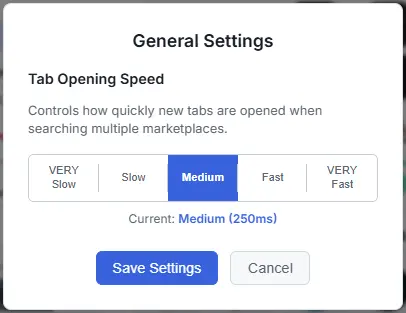
Is your browser struggling to keep up? Click the "⚙️" icon in the bottom-left corner to open the General Settings. Here, you can adjust the speed at which new tabs are opened, from "VERY Slow" to "VERY Fast".
Prefer a different look? Click the 🌙/☀️ icon in the bottom-right to toggle between light and dark themes.
We hope you enjoy using SkinScanner. Happy hunting!